¶ Steps To Setup NitroX <> Facebook Integration
¶ NitroX Dashboard Side:
- First connect your Facebook Ads Manager account under the "Ads Network" section on the Integrations page.
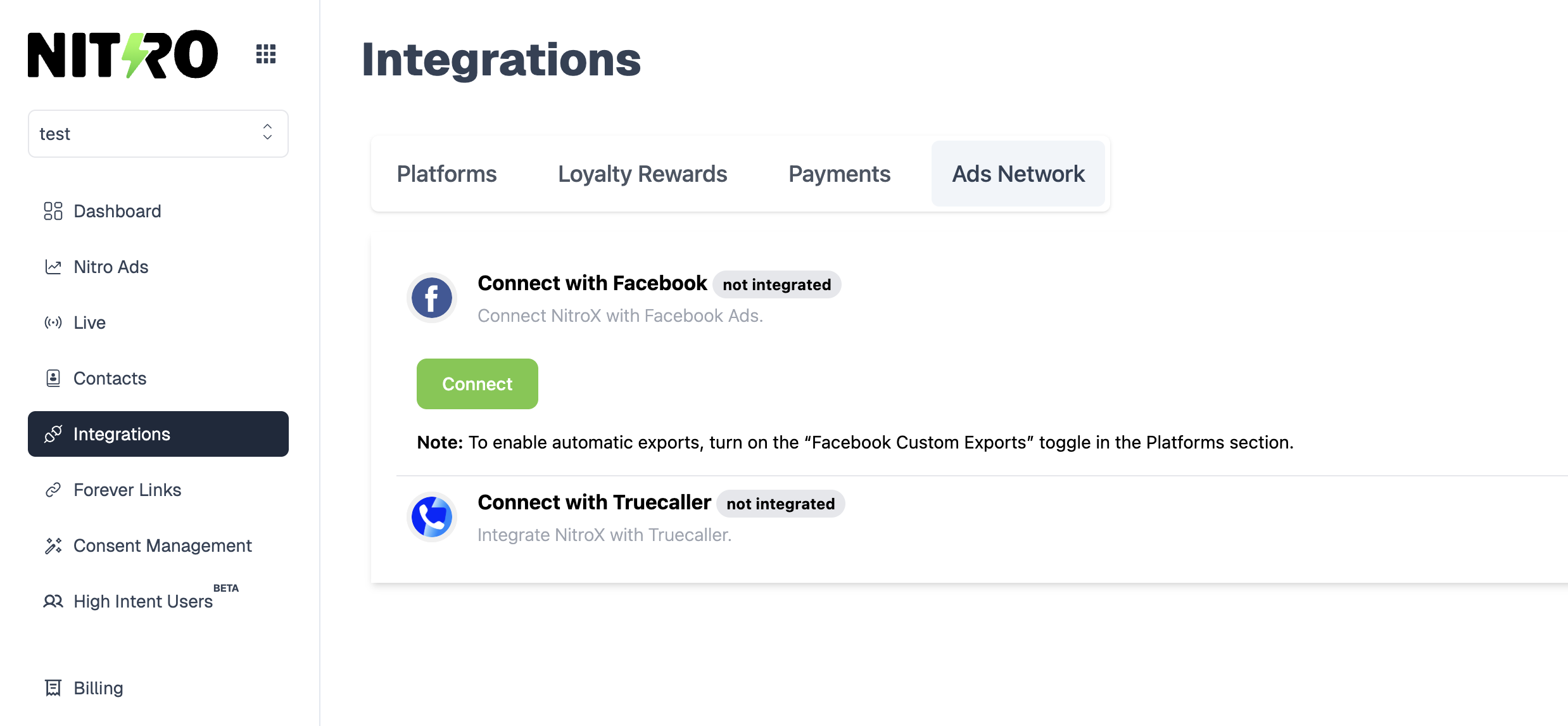
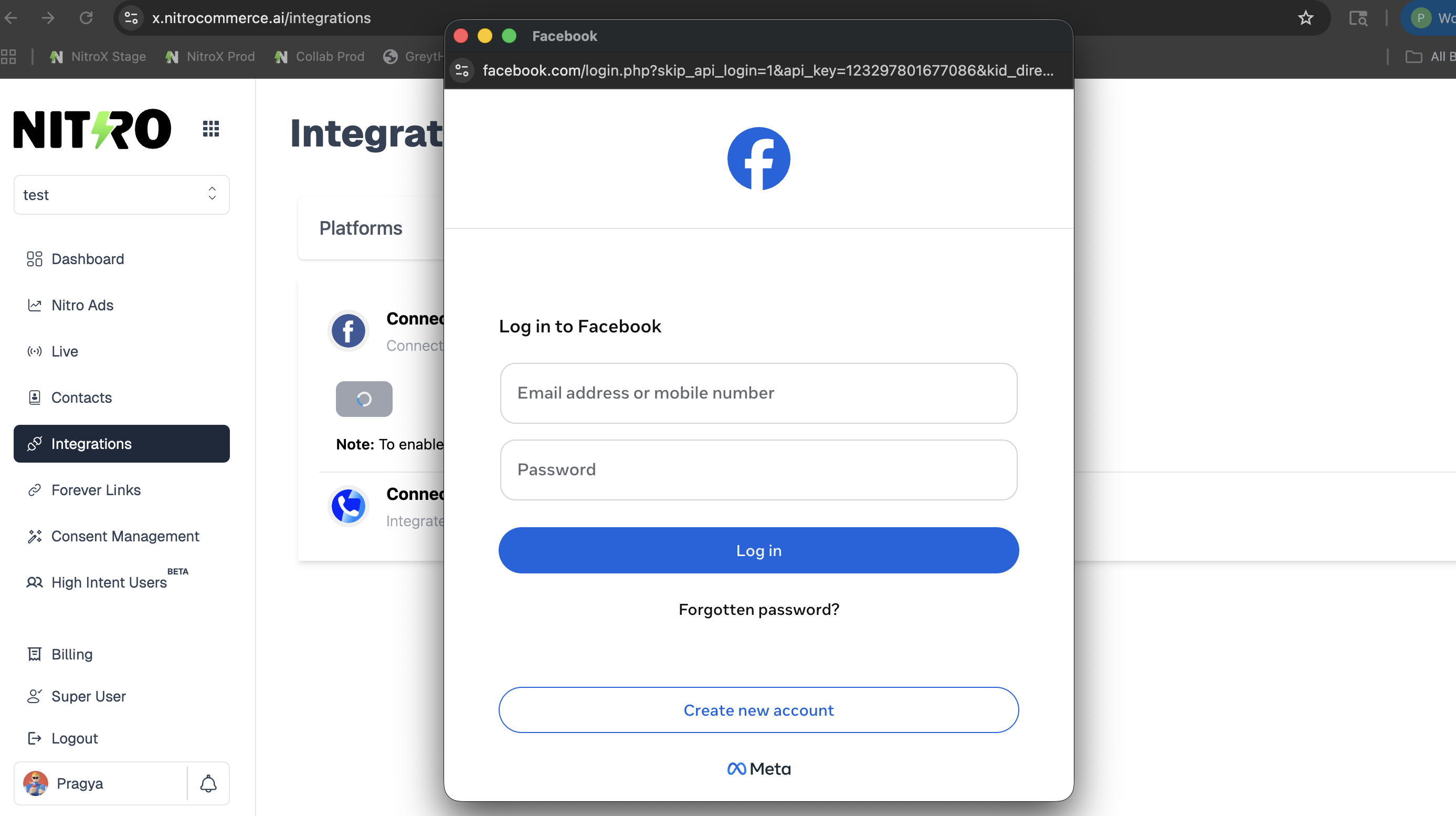
- Click on “Connect” and log in to your Facebook account that is linked to Facebook Ads Manager.
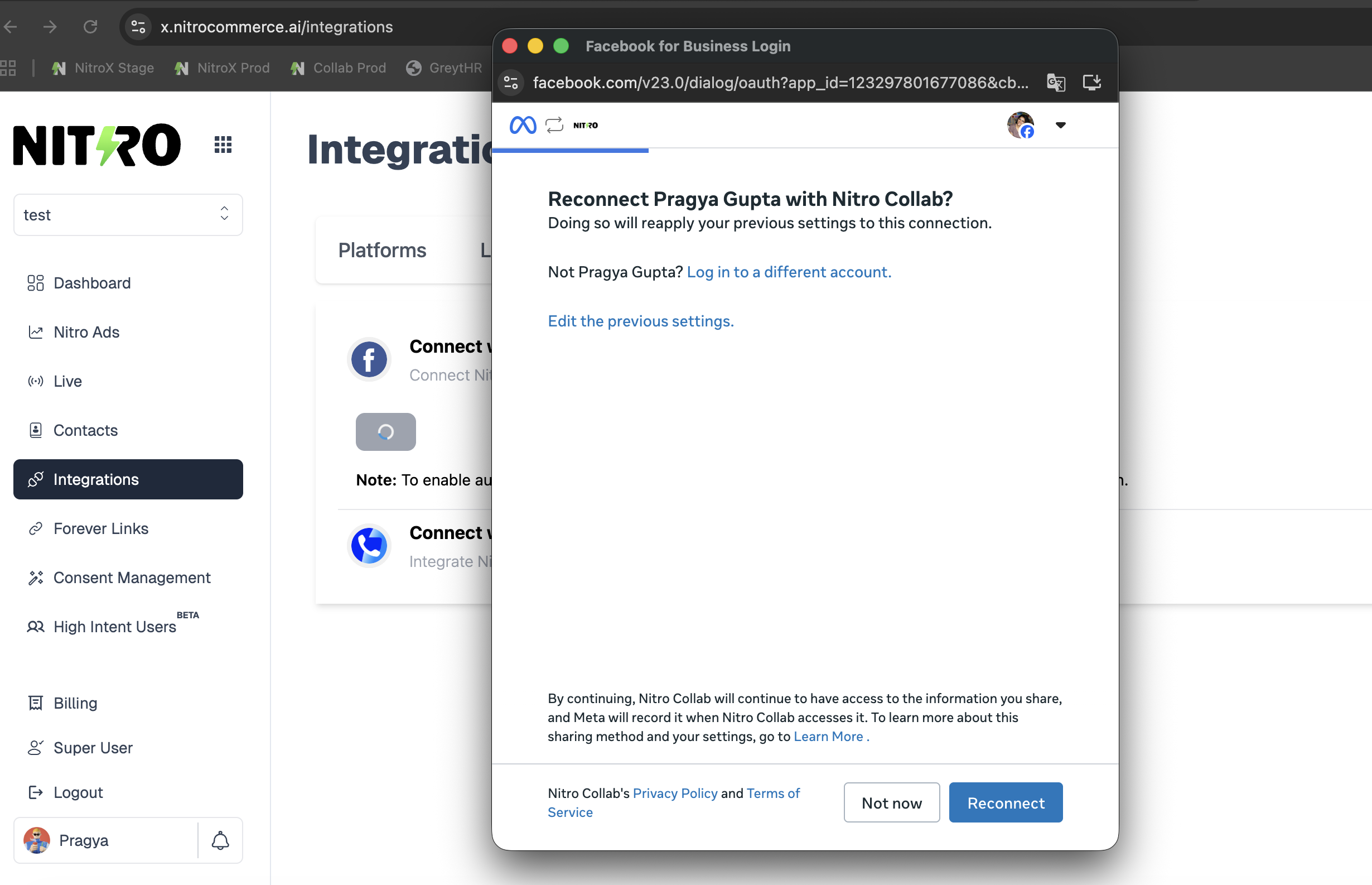
- Choose the Ads account where you wish to upload the Nitro audience.
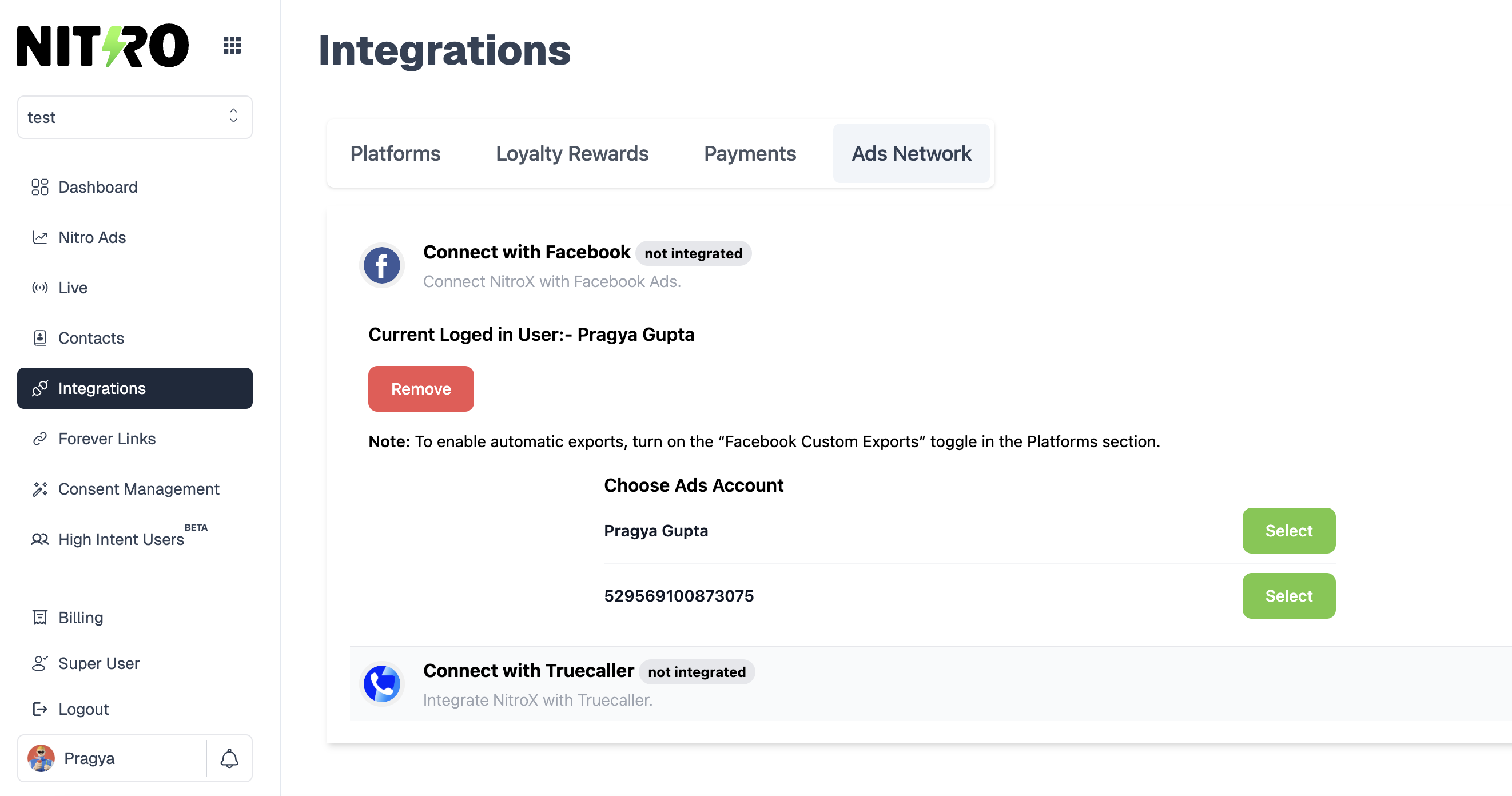
- Once connected, data can be exported to Facebook through bulk audience upload from the Contacts page.
¶ For Bulk Audience Upload:
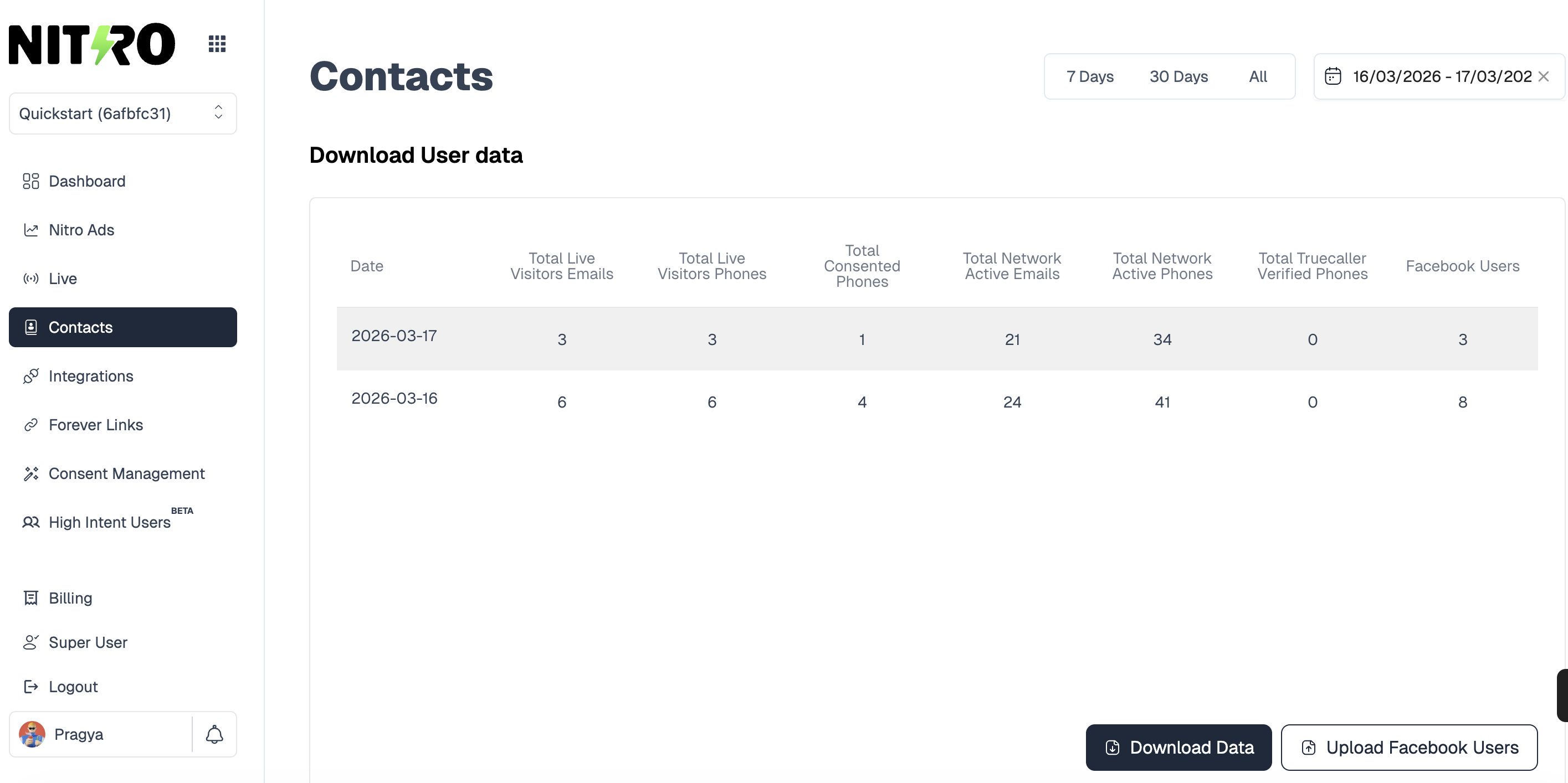
- Go to the “Contacts” page, where you will be able to view the “Facebook Users” for the selected date range.
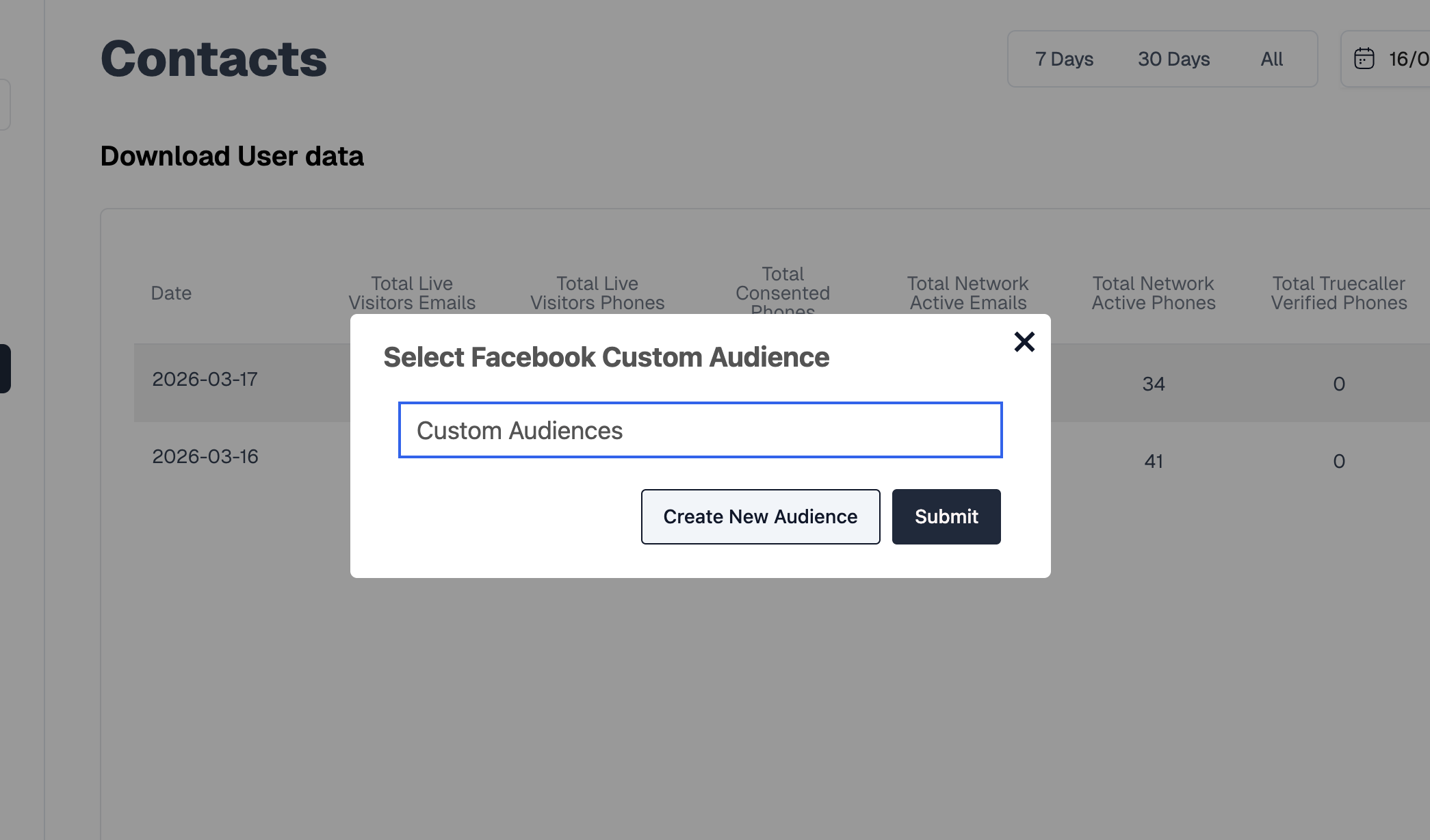
- Select an existing audience in Facebook or create a new custom audience by clicking on the “Create New Audience” button.
- Once an audience is selected, click on the “Upload Facebook Users” button to upload the users.
¶ Facebook Ads Manager Side:
To view uploaded Facebook users:
- Go to Audiences → All Audiences → Select Audience → go to History to view rows of users being added.