¶ Fallback Extension Integration Guide
¶ Objective
This document outlines the steps required to integrate the Nitro's Fallback Script Extension in a Shopify store, enabling a seamless user events tracking.
¶ Integration Steps
- Access brand’s Shopify Admin Panel using authorized credentials.
- From the left-hand navigation menu, navigate to "Online Store" < "Themes"
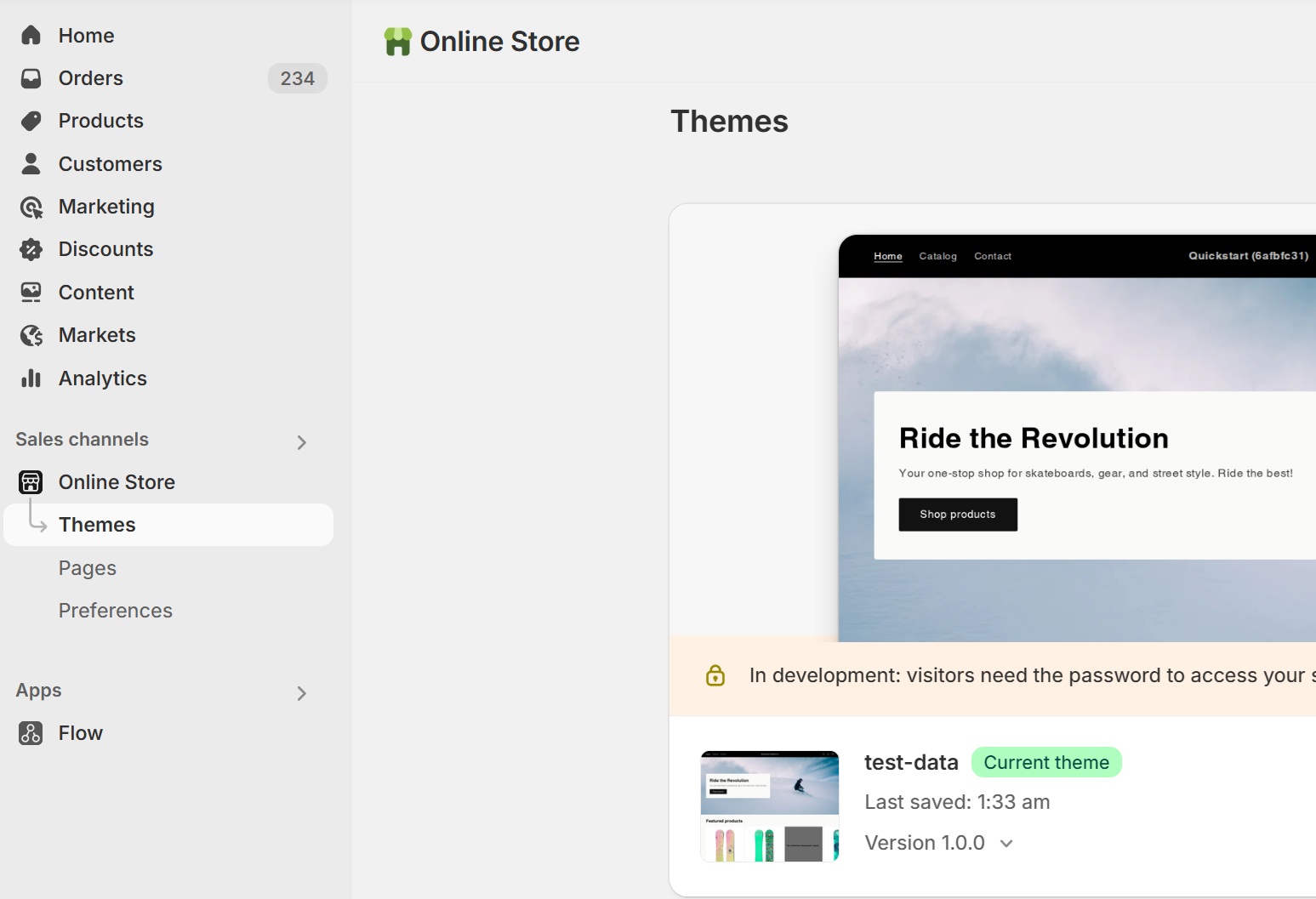
- Now, click on "Customise" button under the current theme.
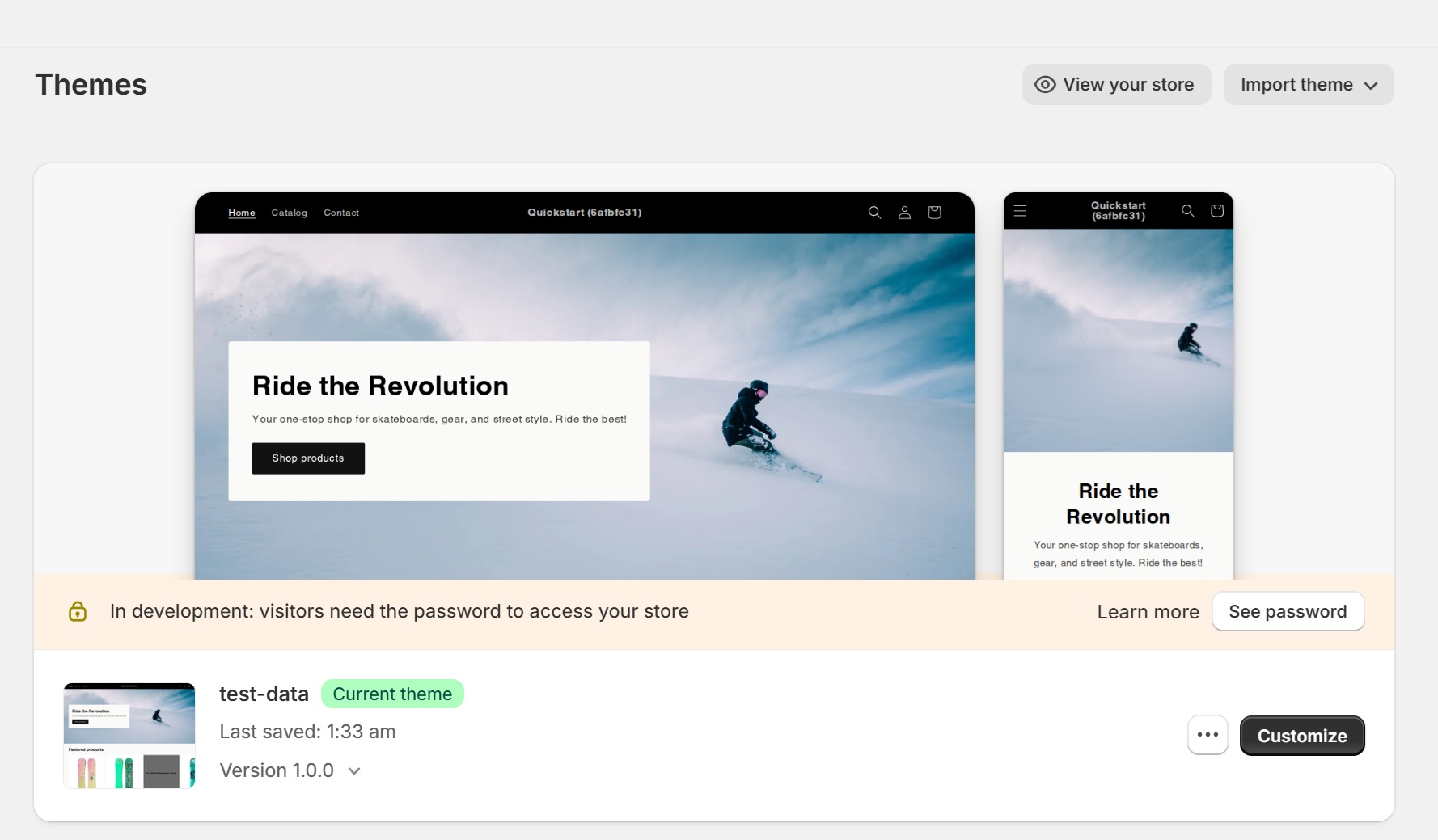
- The theme editor will open up.
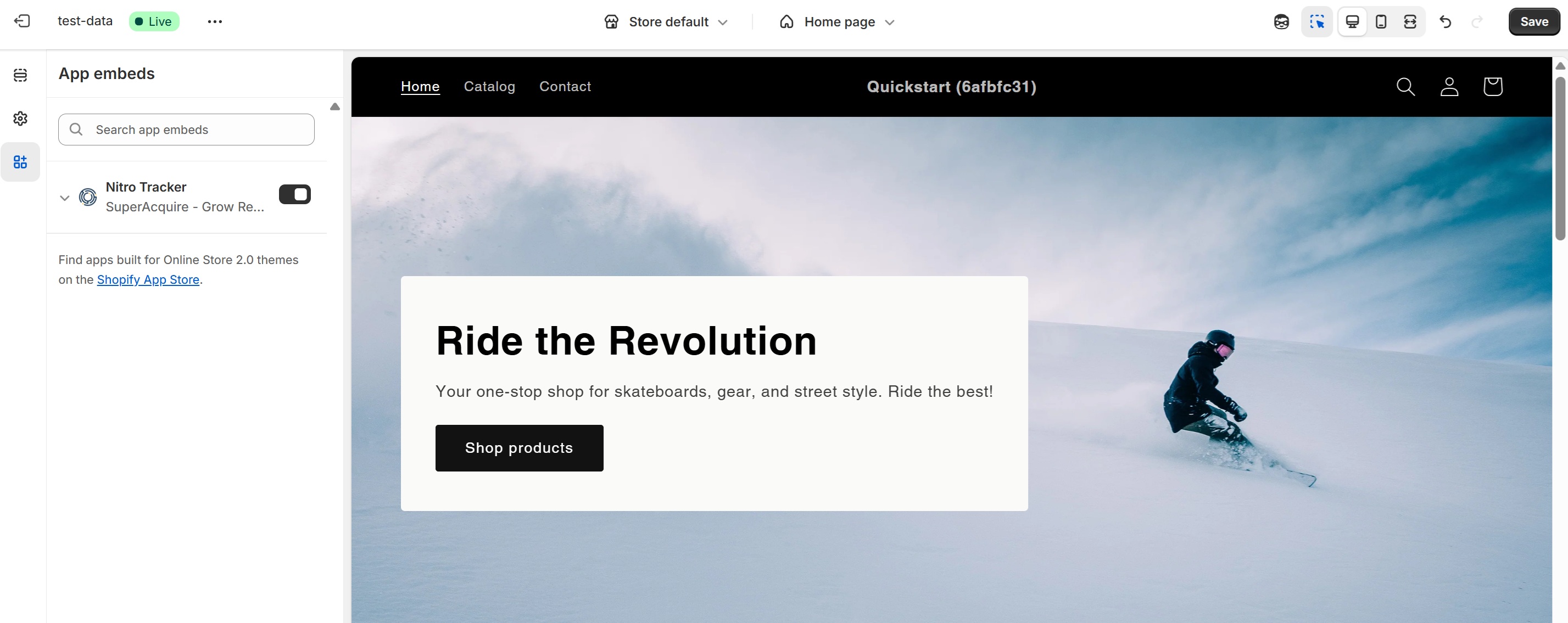
- From the left-hand navigation menu, navigate to "App embeds"
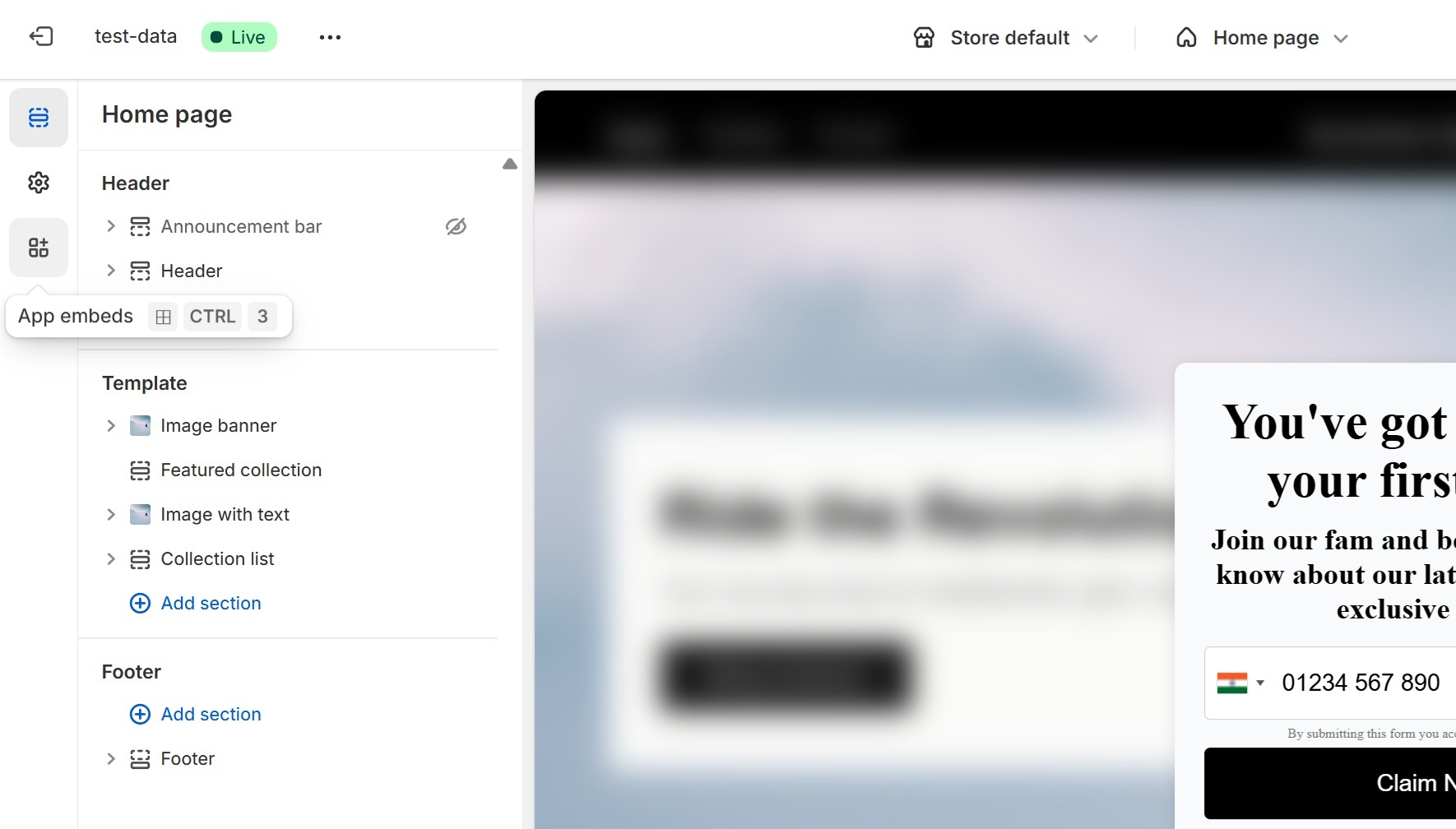
- Enable "Nitro Tracker" under App embeds.
- Once enabled, click "Save" in the top-right corner to apply the changes.
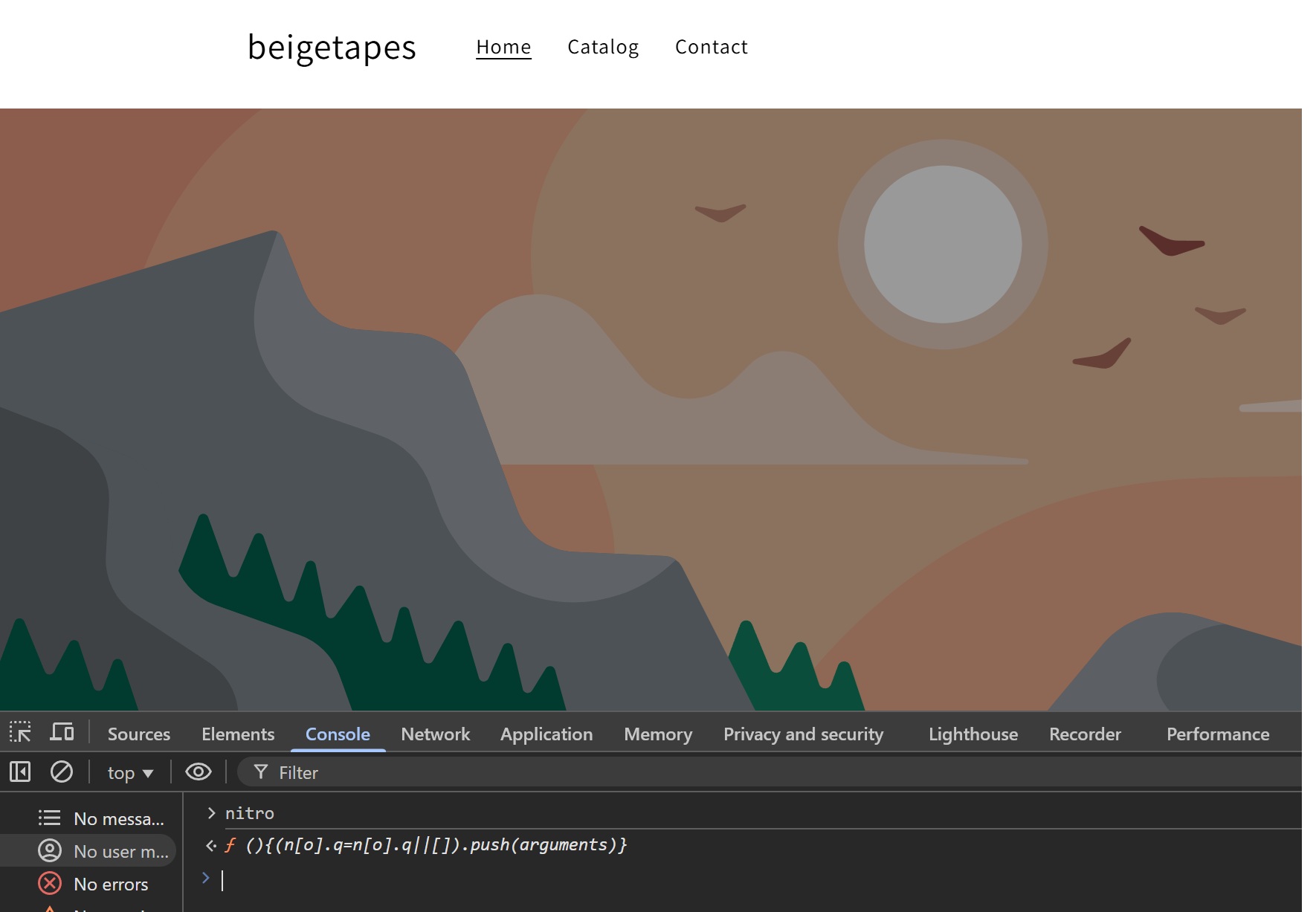
¶ To verify whether Nitro's fallback script has been successfully integrated, follow these steps:
- Go to your store's website.
- Right-click anywhere on the page and select "Inspect".
- The Developer Tools will open, navigate to the Console tab.
- Type "nitro" in the console and press Enter. If the script is integrated correctly, it should not return "undefined".